9s · TREND EXAMPLEMuted preview
REELSY EFFECTS / PHOTO TO DANCE VIDEO
Dime Dime Baby AI Video Generator
Your photo. Your main character moment. Pick a reference. Add your image. Make it your own.
Make it yours
Reference + image01 Reference video
The concha moment
9s · Template reference
MP4 or WebM · up to 30s / 50 MB for draft preview. Output settings will be confirmed at launch.
Third-party reference · Flowlio ↗Your image and reference stay in this browser. Drafts last 24 hours.
Saved with your draft. Supported controls will be confirmed when generation launches.
Photo tips
One person, face clearly visible, good light. Include the upper body and leave some room around the subject.
04 Length
720p · 1 credit per second5 credits
Choose your photo first. Sign in when you’re ready.
Choose a reference. Make it your own.
See photo → video9s · TREND EXAMPLEMuted preview
Garden party
9s · TREND EXAMPLEMuted preview
Dance studio
Third-party trend examples. Reelsy results will vary; these are not Reelsy-generated videos.
THE TRANSFORMATION
A photo is only
the beginning.
See how the trend pairs a familiar face with a new setting. These photo-and-video examples are shown by Dime Dime Baby.
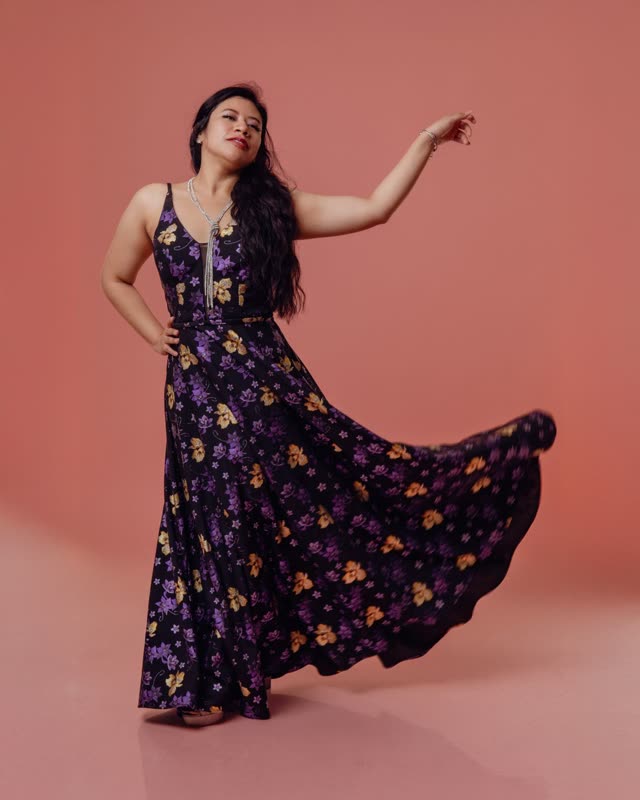 Reference photo
9s · TREND EXAMPLEMuted preview
Garden party
Third-party example ↗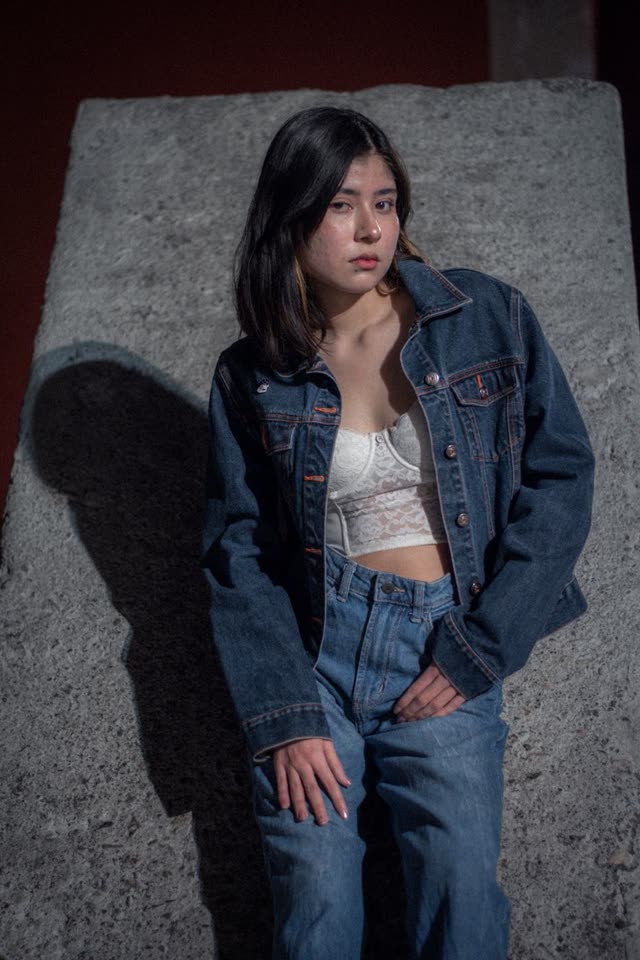 Reference photo
9s · TREND EXAMPLEMuted preview
Dance studio
Third-party example ↗ANATOMY OF THE TREND
A little bite. A whole lot of attitude.
The Dime Dime Baby trend turns a party entrance into a main-character moment. The concha, the deadpan look, the dance back — the fun is in the details.
 01
The walk-in
Make an entrance. All eyes on you.
 02
The bite
A concha. One very committed bite.
 03
The stare
Hold the look. Let the moment land.
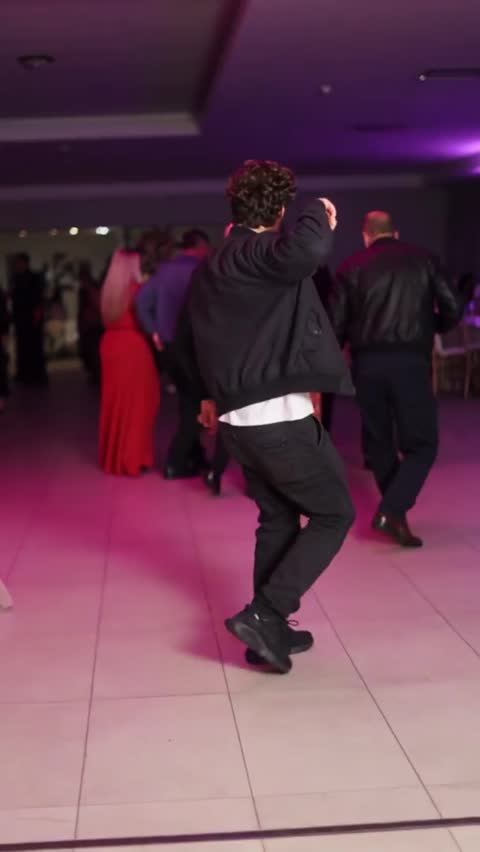 04
The exit
Dance back like nothing happened.
Frames from the Flowlio trend reference. Not a Reelsy generation.
MAKE SOMEONE’S DAY
Who’s up next?
Your next post
Trade the usual selfie for a little main-character energy.
The group chat
Start with a friend’s photo, with their permission. Let the reactions follow.
A birthday surprise
Give the birthday person a moment everyone will replay.
From photo to your next post.
Three small steps. One new move.
01
Choose your reference
Use a template example or add your own MP4 or WebM clip. Your reference is saved with the draft and only uploaded when you generate.
02
Add your image and instructions
Upload a clear image of one person. Optionally describe what you want to keep or change. Your video, image, and instructions stay together in your draft.
03
Generate and download
Sign in to open your workspace with all your inputs restored. Pick 5, 10, 15 or 30 seconds, generate, then download the finished video. Drafts stay in this browser for 24 hours.
REELSY SUBSCRIPTIONS
One plan. More ways to create.
Use your plan’s credits across supported Reelsy tools.
Free
$0to start
No subscription required
15 credits at signup
1 credit = 1 second of video
3 × 5s · 1 × 10s · 1 × 15s · 0 × 30s
- Character-consistent AI
- Standard quality
- Watermark included
- 15 credits included at signup
Starter
$29/ month
Billed monthly
600 credits / month
1 credit = 1 second of video
120 × 5s · 60 × 10s · 40 × 15s · 20 × 30s
- Access to all AI video models
- No watermark
- Premium voices
- Background music
- Email support
Growth
MOST POPULAR$79/ month
Billed monthly
2,400 credits / month
1 credit = 1 second of video
480 × 5s · 240 × 10s · 160 × 15s · 80 × 30s
- Everything in Starter
- Longer videos (60s)
- 2 series projects
- Priority generation
- Analytics dashboard
Ultra
$299/ month
Billed monthly
10,000 credits / month
1 credit = 1 second of video
2000 × 5s · 1000 × 10s · 666 × 15s · 333 × 30s
- Everything in Growth
- Extended videos (90s)
- 4 series projects
- Voice cloning
- API access
- White-label + Support
Paid plans renew automatically. Manage or cancel in Billing. Tool availability and generation costs vary; a subscription does not unlock unreleased templates.
One-time credit packs
Coming soonTop up without a subscription. One-time packs are on the way.
A FEW THINGS TO KNOW
Before you
make your move.
What is the Dime Dime Baby AI generator?
It is a photo-to-video template inspired by the Dime Dime Baby dance. Pick a reference video and one photo, and Reelsy produces a short video in 5, 10, 15 or 30 seconds. The trend examples shown are third-party references, not Reelsy-generated results.
Can I upload a photo without an account?
Yes. You can choose and preview your photo before signing in. Your draft stays in this browser for up to 24 hours. Sign in to open your workspace; your photo and template are restored in the workspace.
Can I use my own reference video?
Yes. Choose Use my video to add an MP4 or WebM clip up to 30 seconds and 50 MB for local draft preview. Your reference, image, and optional instructions are restored after sign-in in this browser. Generation settings and supported output will be confirmed at launch.
How do I get Reelsy credits?
Start with the Free plan’s signup credits, or choose a Reelsy subscription for monthly credits. Generation costs vary by tool. One-time credit packs are coming soon and cannot be purchased yet. Generation costs 1 credit per second of finished video.
Which photo works best?
Choose one clearly visible person in good light. A front-facing photo with an unobstructed face and visible upper body is a good starting point. Avoid group photos, heavy filters, and cropped faces. JPG, PNG, and WebP files up to 10 MB are supported.
Does the video include the original song?
The template focuses on the dance. The original song is not bundled or licensed through this tool. Add audio you are allowed to use in your publishing app.
How many credits does a video use?
One credit per second. A 5-second video costs 5 credits, 10 seconds costs 10, 15 costs 15 and 30 costs 30. Choosing a photo or browsing examples uses no credits; only a started generation is charged, and a failed generation is refunded.