AI UGC Video Generator

AI UGC Video Generator

Turn your script into a creator-style video. Choose a presenter, voice, duration, and aspect ratio, then review the generated scenes in the editor.

Launch offer:70% off your first month with code REELSY70.
3,428
real AI video prompts
3,413
with video outputs
UGC
ads, demos, TikTok/Reels styles
Use cases

Create UGC videos from a script, presenter, and format

Use the workflow for product reviews, explainers, demonstrations, and vertical social videos when you already have the message you want the presenter to deliver.

Scripted product reviews

Turn a prepared review or testimonial script into a presenter-led video draft.

Vertical social videos

Choose a 9:16 format for creator-style videos intended for TikTok, Reels, or Shorts.

Product explainers

Use a presenter to explain product benefits, steps, or common buyer questions.

Product demonstrations

Write the actions and talking points in the script, then review the generated scenes.

Presenter-led messages

Choose a preset presenter and optional picture-in-picture for a guided delivery.

Multi-format drafts

Set a vertical, horizontal, or square frame and a target length from 30 to 120 seconds.

Case gallery

Review creator-style examples before you generate

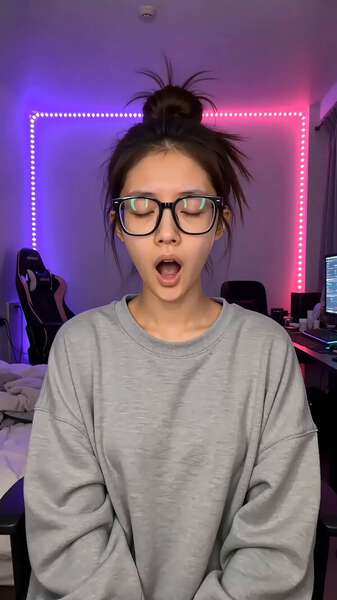
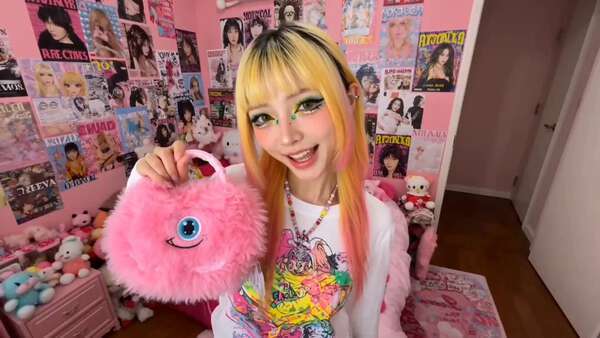
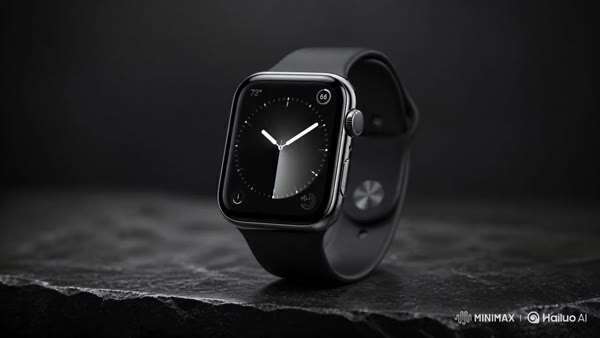
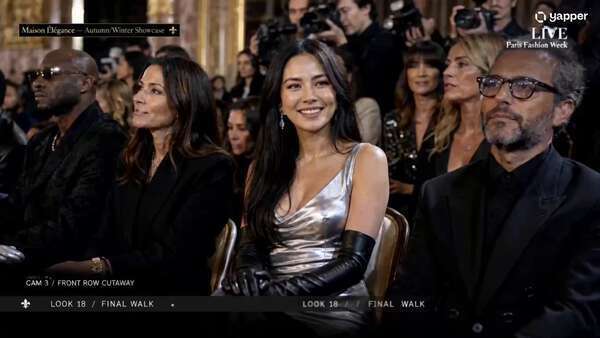
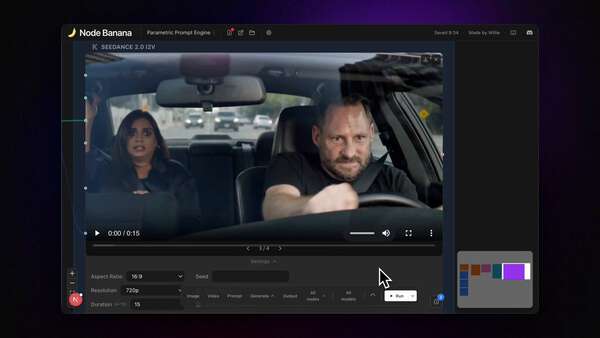
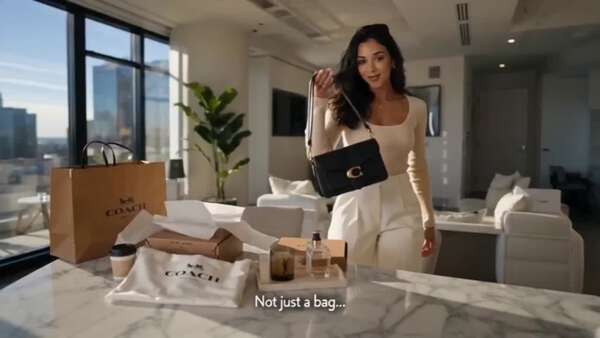
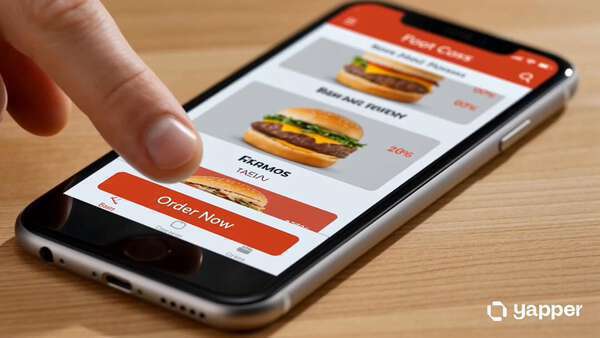
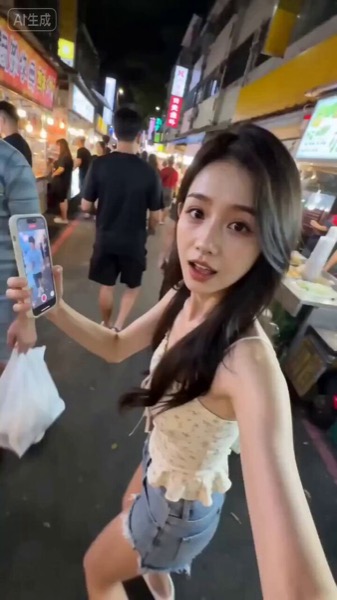
Each catalog card shows an existing output with its cover, model label, tags, and source prompt excerpt.

Browse all templates
Workflow

From script to editable UGC video

The generator uses your script and production choices to prepare a video project for review.

01

Write or paste the script

Provide the spoken message and scene direction in a script of up to 800 characters.

02

Choose the presenter and format

Select a presenter, voice style, duration, aspect ratio, visual style, and music setting.

03

Generate and review the project

Reelsy prepares scenes, voiceover, captions, and presenter settings for review in the editor.

Ecommerce

Use product scripts for ecommerce UGC videos

Write a focused script around the product, buyer, and supported benefits. Reelsy turns that script into a presenter-led project for review; the workflow does not require a Shopify integration.

Product review scripts
Presenter-led demos
Vertical social videos

Script is the source

Start with the exact spoken message and scene direction you want the workflow to use.

Presenter and voice controls

Choose a preset presenter, picture-in-picture behavior, and voice style before generation.

Review before export

Generated scenes, voiceover, captions, and presenter settings continue into the editor workflow.

Setup

Choose the script, presenter, length, and format

These are the current inputs available in the Reelsy UGC video workflow.

Input
Current option
Details
Script
Required
Up to 800 characters
Presenter
Preset UGC persona
Optional picture-in-picture
Voice
Auto-match or selected style
Professional, friendly, energetic, or calm
Duration
30, 60, 90, or 120 seconds
Set before generation
Aspect ratio
9:16, 16:9, or 1:1
Vertical, horizontal, or square
Pricing

Pricing for AI UGC video generation

Generation uses Reelsy credits. Compare the current monthly plans and choose the capacity that fits your video workflow.

Launch offer

70% off Starter for the first month

Code REELSY70
$8.70
first month, then $29/month
$29

Credits

600

Approx.

~33 videos

Output

No watermark

  • Access to AI video models
  • Use proven UGC ad prompts
  • Create product demos and social shorts
  • Use code REELSY70 at checkout

Starter

600 credits/month · about 33 videos · up to 30s

$29
per month
Choose

Growth

Popular

2,400 credits/month · about 133 videos · up to 60s

$79
per month
Choose

Ultra

10,000 credits/month · about 555 videos · up to 90s

$299
per month
Choose

First month only. Renews at the standard monthly price. Promotion code support is handled by checkout.

FAQ

AI UGC video generator FAQ

Review the required script, presenter options, supported formats, and editor handoff before you generate.

What is an AI UGC video generator?

An AI UGC video generator turns a written script into a creator-style video project. In Reelsy, you choose a presenter, voice, duration, and aspect ratio, then review the generated scenes in the editor before export.

What do I need to create an AI UGC video?

Start with a script of up to 800 characters. You can then select a preset UGC presenter, a voice style, a target duration, and an aspect ratio before generation.

Can I choose a presenter and voice?

Yes. The UGC video workflow includes preset presenters, optional presenter picture-in-picture, and voice choices such as auto-match, professional, friendly, energetic, and calm.

Which video lengths and aspect ratios are available?

The current workflow offers 30, 60, 90, and 120 second targets. You can choose 9:16 vertical, 16:9 horizontal, or 1:1 square output.

How is this different from the UGC Ad Generator?

Use this page when you already have a script and want to turn it into a presenter-led video. Use the UGC Ad Generator when you first need to shape product benefits, objections, proof, and a call to action into an ad script and storyboard.

Can I review the video before export?

Yes. Reelsy prepares the generated scenes, voiceover, captions, and presenter settings as an editor project so you can review the creative before exporting it.

How does the 70% discount work?

Use code REELSY70 at checkout for 70% off the Starter plan for the first month. It renews at the standard monthly price after that.

Create an AI UGC video from your script.

Choose the presenter, voice, duration, and frame, then review the generated project in the editor.