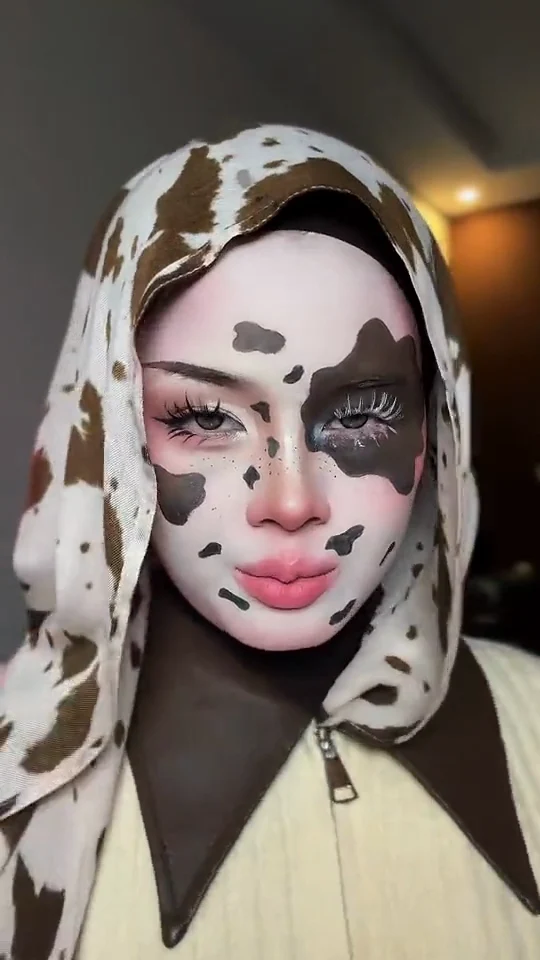
14.5s · Audio
REELSY EFFECTS / PHOTO TO MAKEUP TRANSITION
Cow Makeup AI Video Generator
One portrait. The viral cow-print glow-up. No reference video or prompt required—upload your photo to start.
1 photo5s / 10s / 15s9:16 VerticalOriginal sound included768P MP4
Make it yours
01 Your photo
Drafts stay in this browser for 24h.
Original cow-print look
02 · 14.5s built-in clip
03 Length & sound
Include original sound
768P · from ~2 credits / sFrom ~30 credits
Confirm exact quote before generating. Original audio is muxed into the MP4 with no music license included.
Upload your photo first. Sign in when you’re ready.
14.5s · Audio
SFX prosthetic cow look
Reference trend examples. Reelsy adapts motion and framing to your uploaded photo; results vary by lighting and framing.
ANATOMY OF THE TREND
Bare-faced build-up. Beat drop. Full cow-print reveal.
The Cow Makeup transition pairs playful lip-sync timing with an instant special-effects makeup reveal. Pick either classic cow-print glam or full SFX prosthetic horns without spending hours in front of a mirror.
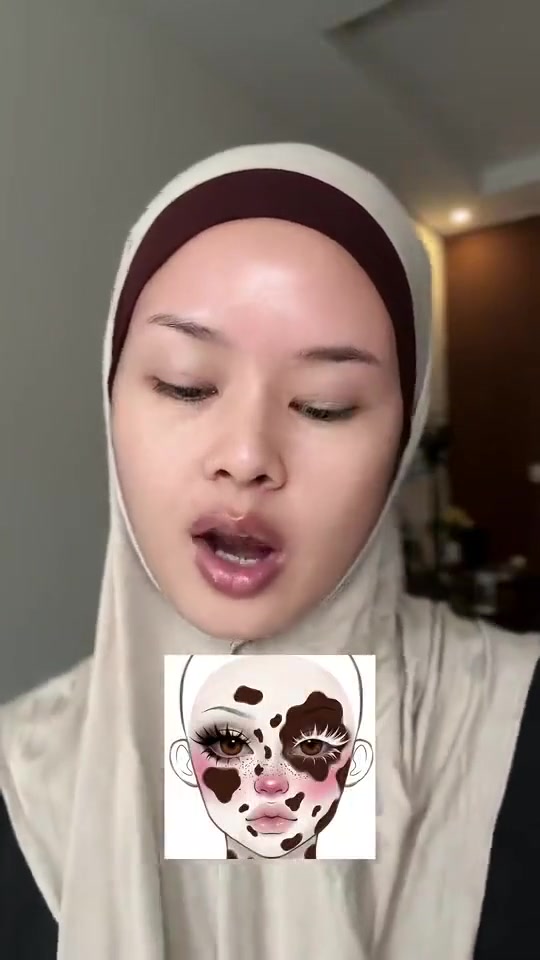 01
The lip-sync intro
Opens up close with clean natural skin and playful rhythm.
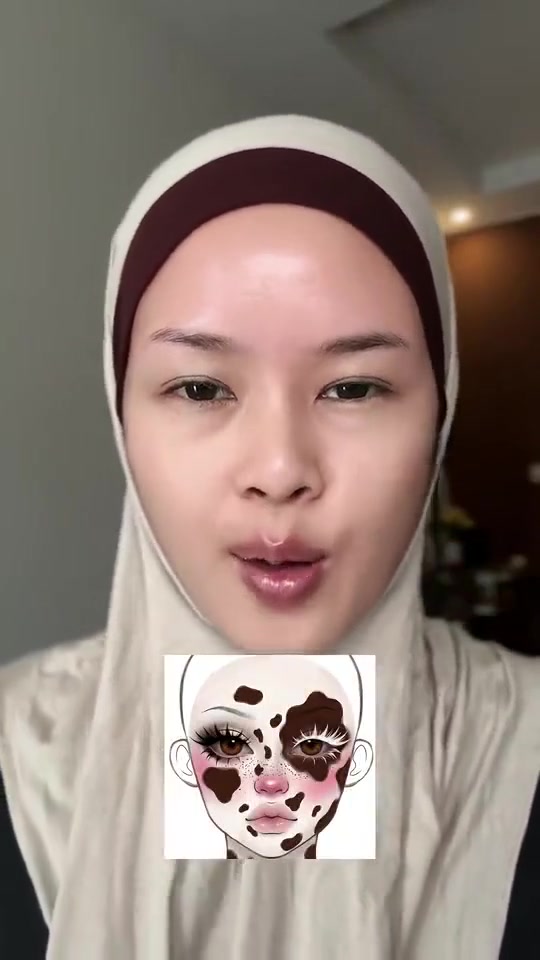 02
The teaser cue
Quick makeup hint and rhythmic head tilt build toward the drop.
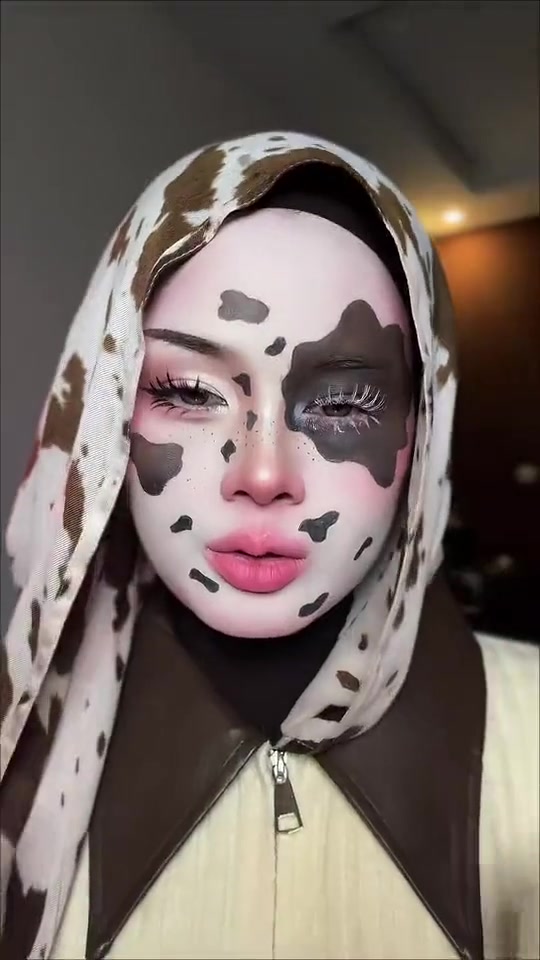 03
Beat-drop reveal
Hard musical cut locks in crisp brown-and-white cow spots and nose paint.
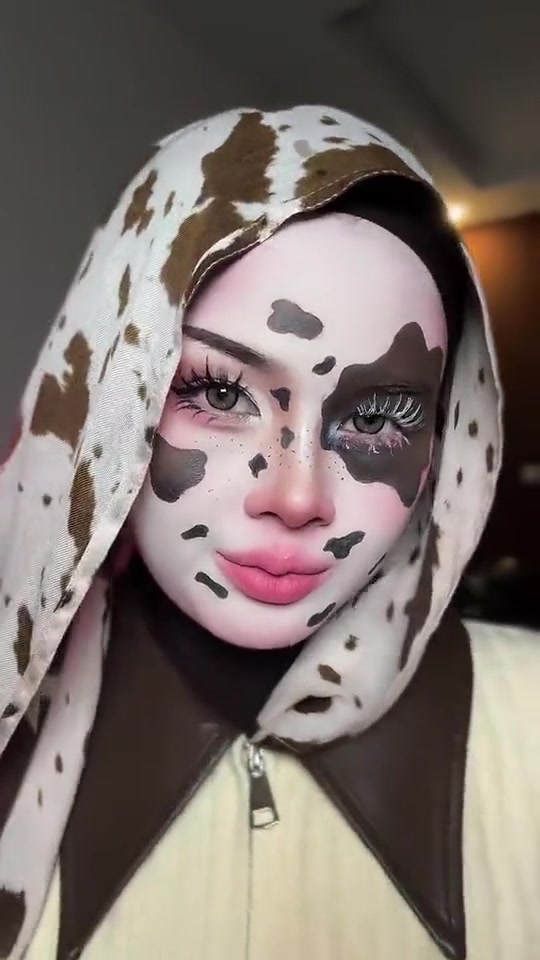 04
Hold the look
Finishes with confident eye contact so the reveal lands cleanly on Shorts or TikTok.
Frames from the Cow Makeup transition reference reference clip. Not a Reelsy generation.
MAKE SOMEONE’S DAY
Who’s up next?
Beauty transition post
Skip two hours of face paint and test the viral transition from one selfie.
Original vs SFX
Try soft cow-print glam first or jump straight into sculpted SFX horns.
Friend challenge
Compare how different portraits transform at the exact same beat drop.
HOW IT WORKS
From photo to your next post.
Upload one portrait, pick your look, and hit the beat drop.
STEP 01
Upload one clear selfie
Drop in a well-lit JPG, PNG, or WebP portrait facing the camera. Light or minimal makeup gives the sharpest beat-drop contrast.
STEP 02
Choose Original or SFX look
Select between Original cow-print look and SFX prosthetic cow look in the preview gallery—original audio is included by default.
STEP 03
Generate 15s vertical MP4
Confirm your exact credit quote at 768P (15s recommended so the full reveal plays cleanly) and download your vertical MP4.
REELSY SUBSCRIPTIONS
One plan. More ways to create.
Use your plan’s credits across supported Reelsy tools.
Free
$0to start
No subscription required
15 credits at signup
Base estimate: from ~2 credits / billed second
~1 × 5s · ~0 × 10s · ~0 × 15s
Estimates only. Reference duration can increase cost; the actual quote determines how many videos you can make.
- Character-consistent AI
- Standard quality
- Watermark included
- 15 credits included at signup
Starter
$29/ month
Billed monthly
600 credits / month
Base estimate: from ~2 credits / billed second
~60 × 5s · ~30 × 10s · ~20 × 15s
Estimates only. Reference duration can increase cost; the actual quote determines how many videos you can make.
- Access to all AI video models
- No watermark
- Premium voices
- Background music
- Email support
Growth
MOST POPULAR$79/ month
Billed monthly
2,400 credits / month
Base estimate: from ~2 credits / billed second
~240 × 5s · ~120 × 10s · ~80 × 15s
Estimates only. Reference duration can increase cost; the actual quote determines how many videos you can make.
- Everything in Starter
- Longer videos (60s)
- 2 series projects
- Priority generation
- Analytics dashboard
Ultra
$299/ month
Billed monthly
10,000 credits / month
Base estimate: from ~2 credits / billed second
~1000 × 5s · ~500 × 10s · ~333 × 15s
Estimates only. Reference duration can increase cost; the actual quote determines how many videos you can make.
- Everything in Growth
- Extended videos (90s)
- 4 series projects
- Voice cloning
- API access
- White-label + Support
Paid plans renew automatically. Manage or cancel in Billing. Tool availability and generation costs vary; a subscription does not unlock unreleased templates.
One-time credit packs
Coming soonTop up without a subscription. One-time packs are on the way.
A FEW THINGS TO KNOW
Cow Makeup AI questions before you generate.
What is the Cow Makeup AI video generator?
It turns one front-facing portrait into a 9:16 vertical beat-drop makeup transition clip inspired by the viral Mooo! cow-print makeup trend—without needing to paint spots or film multiple takes.
What is the difference between Original and SFX look?
Original cow-print look reveals stylized painted brown patches and a pink nose makeup look. SFX prosthetic cow look adds dramatic horns, sculpted nose SFX details, and cowbell styling.
Why does Cow Makeup AI default to 15 seconds?
The full build-up and makeup reveal run 14.5 seconds, so 15s ensures the beat-drop transformation completes cleanly without cutting off early.
Does it include the original soundtrack?
Yes. Include original sound is enabled by default so the reference audio is muxed into your MP4. You can switch it off before quoting; no commercial music license is included.
What photo works best for makeup transitions?
Use an even-lit, front-facing portrait with bare or natural makeup, clear eyes, and hair tucked back from your forehead and cheeks.
Is Reelsy affiliated with Doja Cat or the template creators?
No. Reelsy is an independent platform and is not affiliated with Doja Cat or any featured social creator.
Reelsy is an independent AI video platform and is not affiliated with Doja Cat or featured creators. Original reference audio is muxed into your MP4 when enabled with no commercial music license granted.
READY TO POST
Create your Cow Makeup AI video now.
Upload your photo — original sound is synced automatically, and drafts stay ready for 24h before you even sign in.
MORE VIRAL EFFECTS
Explore other trending AI templates.
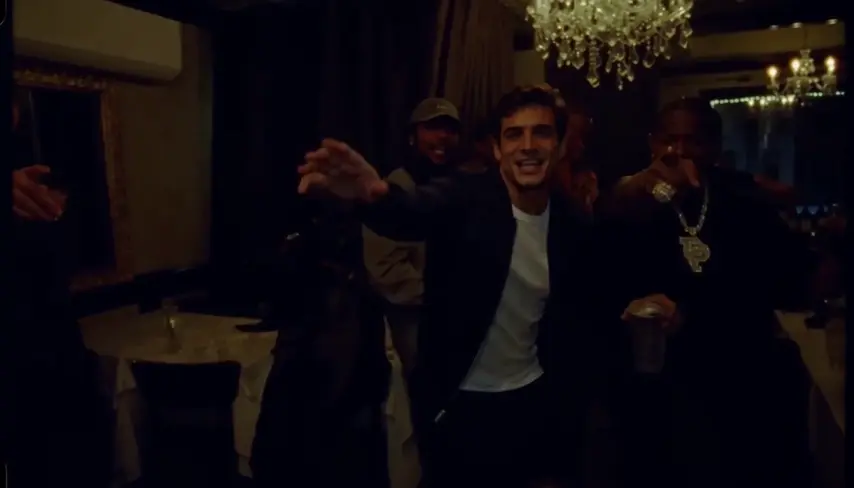
16:9Audio
PHOTO TO PARTY VIDEO
Burning Bridges AI
Your photo. The chandelier party entrance.
Try effect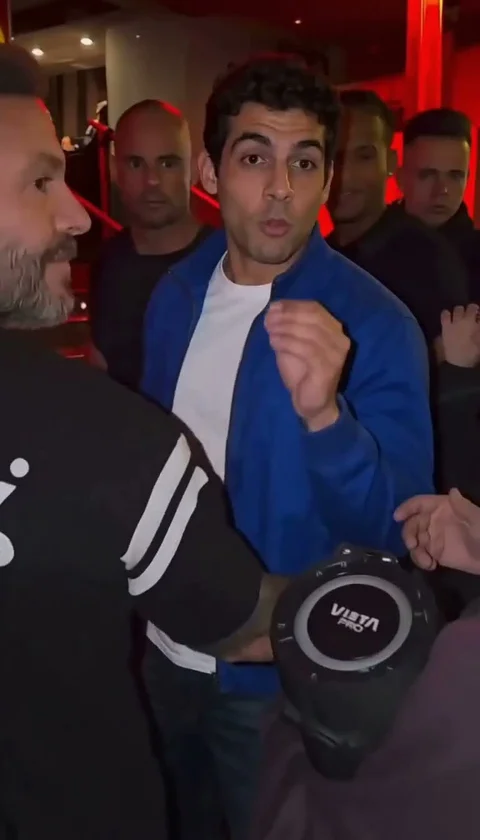
9:16Audio
PHOTO TO FREESTYLE VIDEO
Bulin 47 AI
One photo. The street dembow freestyle.
Try effect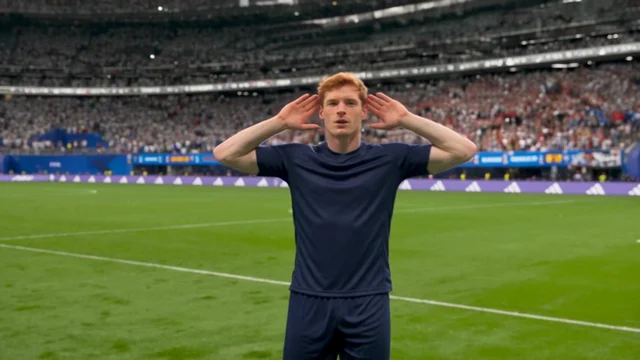
16:9Audio
PHOTO TO FOOTBALL CELEBRATION
Enzo Fernandez Celebration AI
Your photo. The iconic ear-cup celebration.
Try effect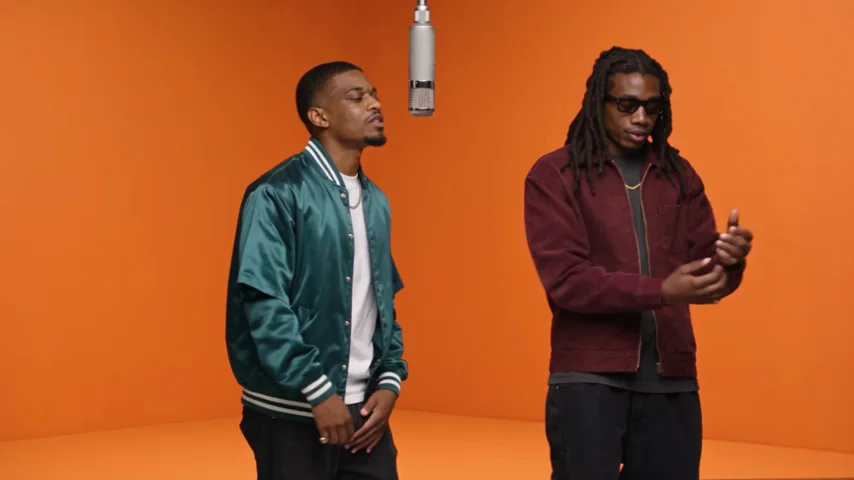
16:9Audio
DUET OR SOLO RAP STUDIO
Hotel Lobby AI
Your cast. The orange studio booth.
Try effect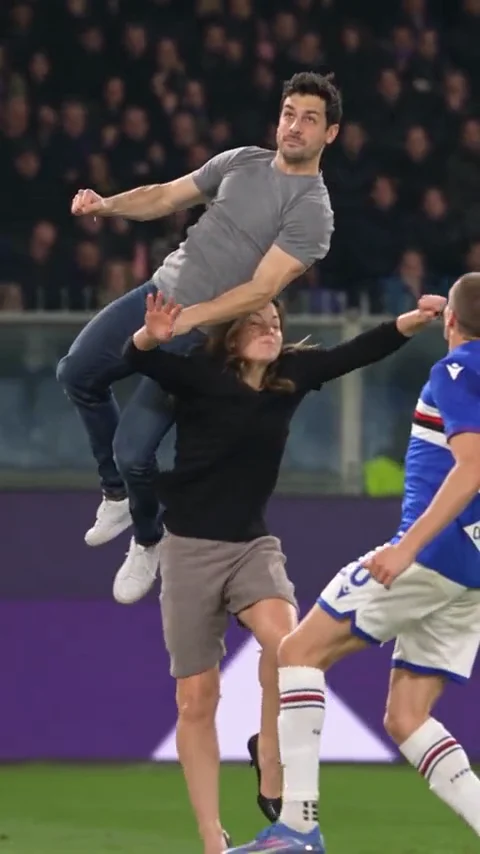
9:16Audio
DUAL-PLAYER SLOW-MOTION HEADER
Ronaldo Header AI
Two photos. One gravity-defying header.
Try effect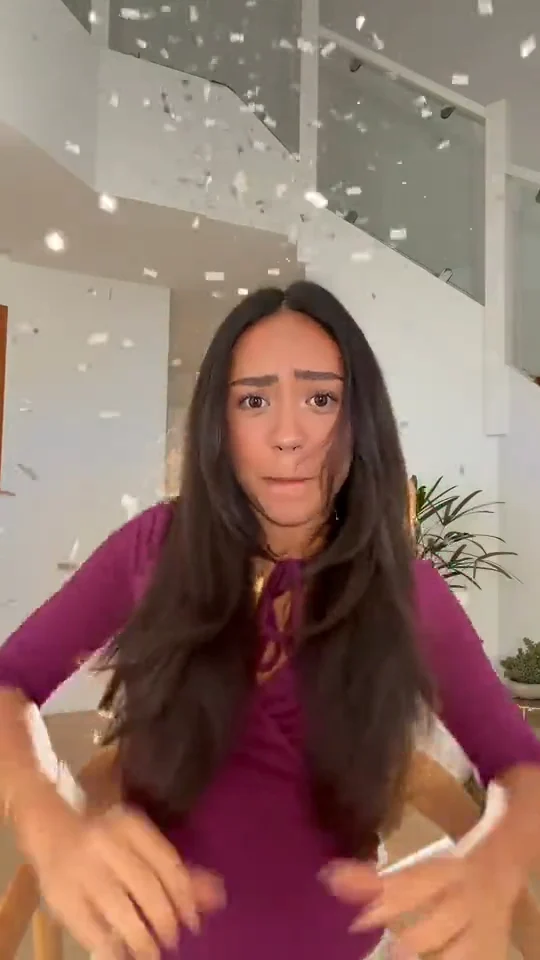
9:16Audio
CONFETTI CANNON TREND
Boom Clap Confetti AI
Sing the hook. Cue the gold confetti shower.
Try effect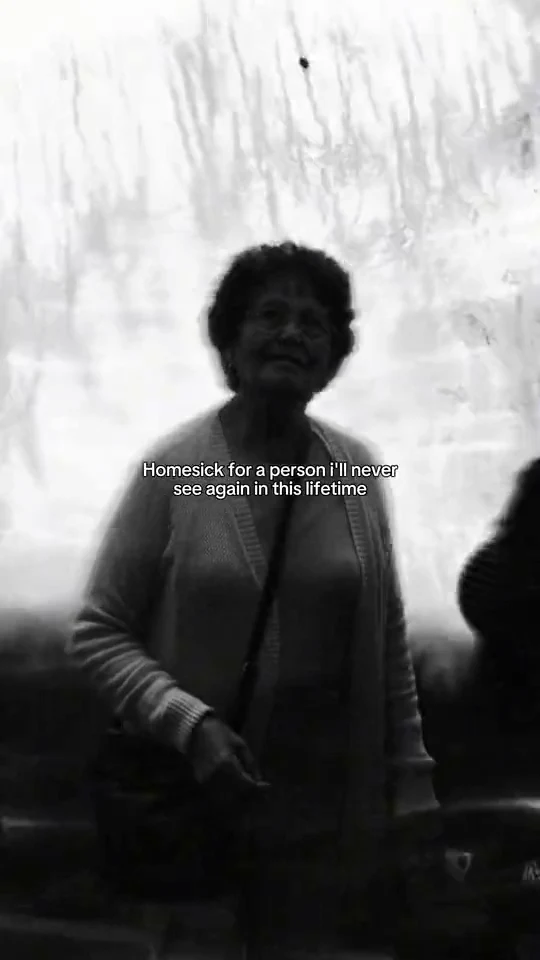
9:16Audio
BLACK-AND-WHITE MEMORY
Homesick for a Person AI
One photo. A softly moving monochrome memory.
Try effect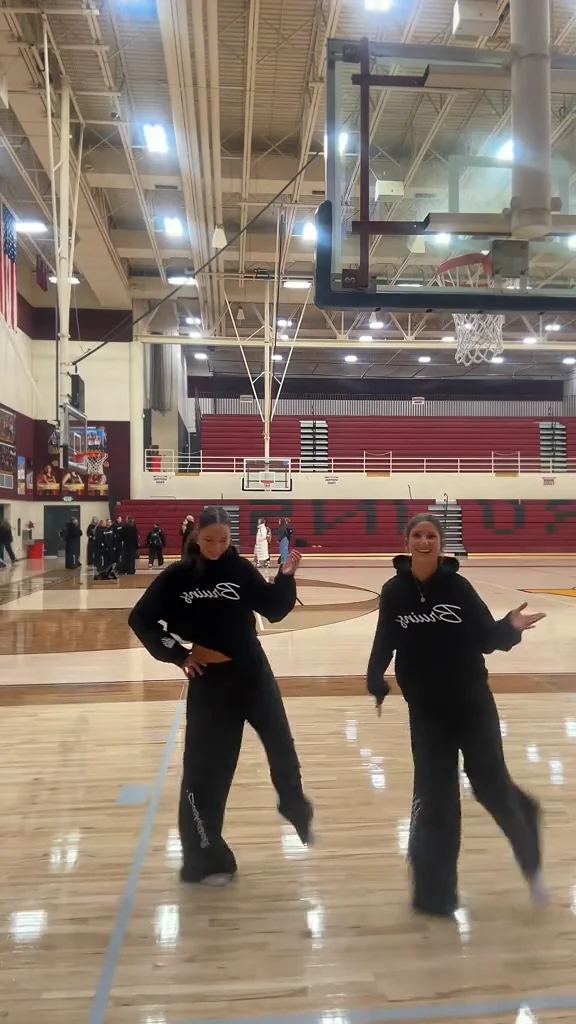
9:16Audio
DUO GYM DANCE TREND
Huss Huss Huss Dance AI
Two photos. The viral basketball-court duo.
Try effect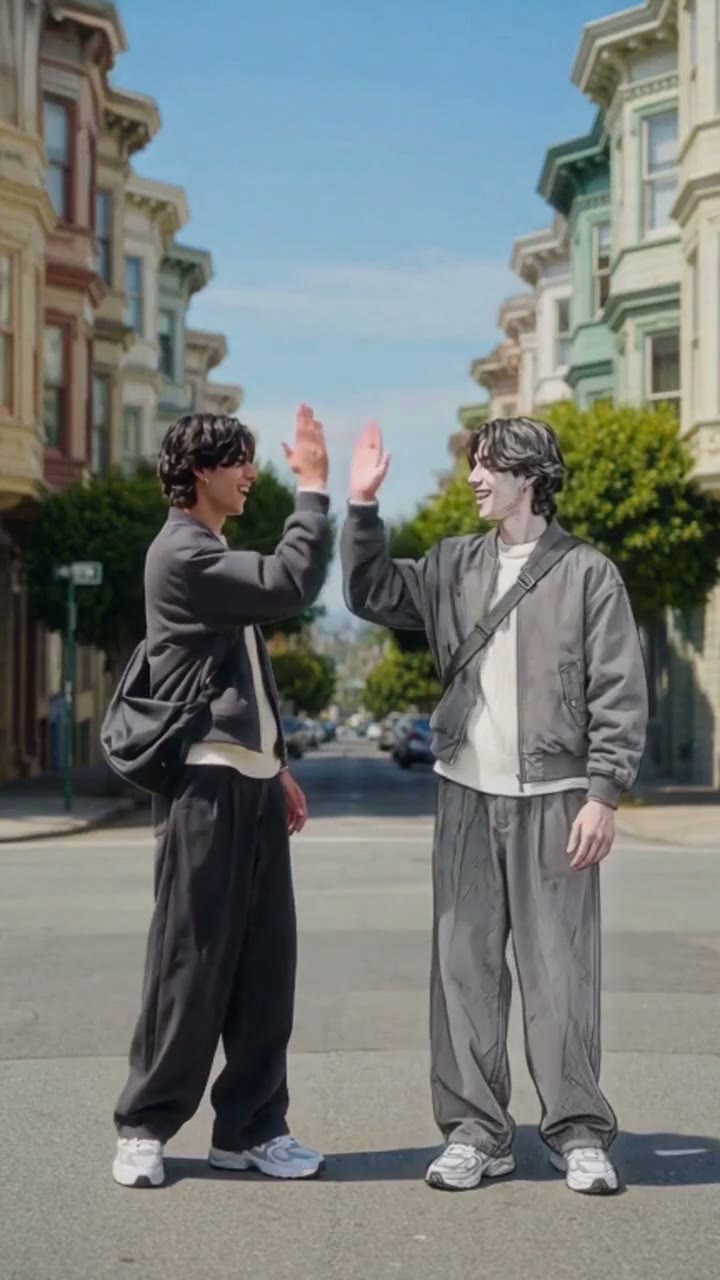
9:16Audio
SKETCH TWIN DUO TREND
Magic Double Dance AI
One photo. Your sketch twin comes to life.
Try effect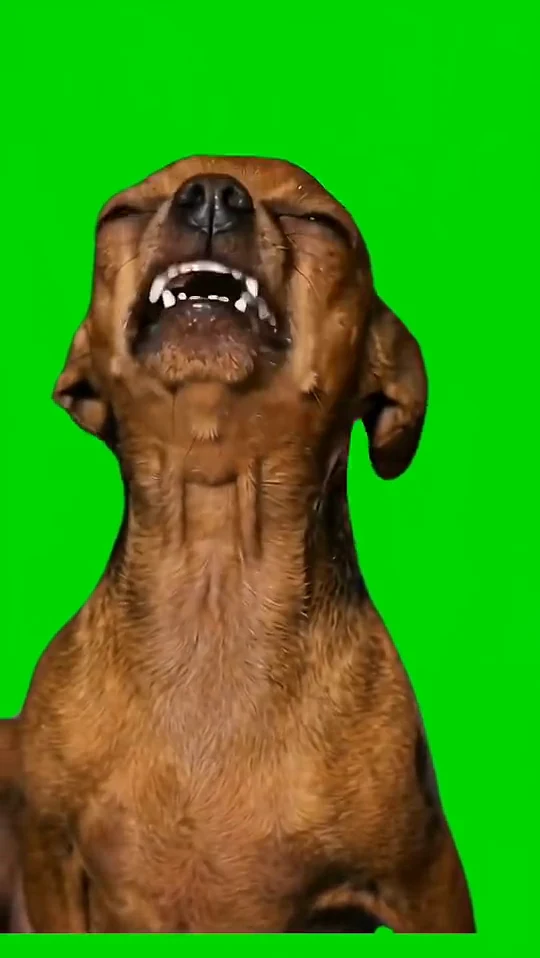
9:16Audio
SINGING PET MEME VIDEO
Oh My Carne Asada AI
One pet photo. One iconic high-note ballad.
Try effect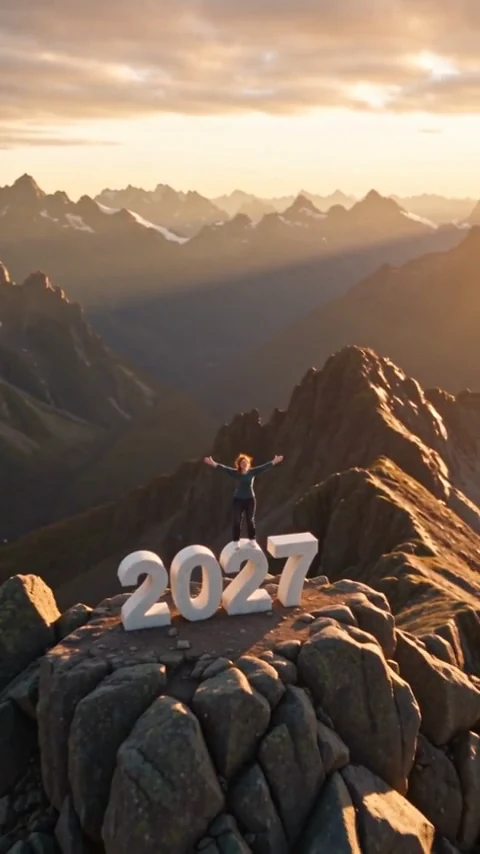
9:16
NEW YEAR 2027 · SUMMIT TRANSITION
2027 New Year AI
Climb giant marble 2027 numerals on a mountain peak at sunset—turn one photo into your Goodbye 2026, Welcome 2027 video.
Try effect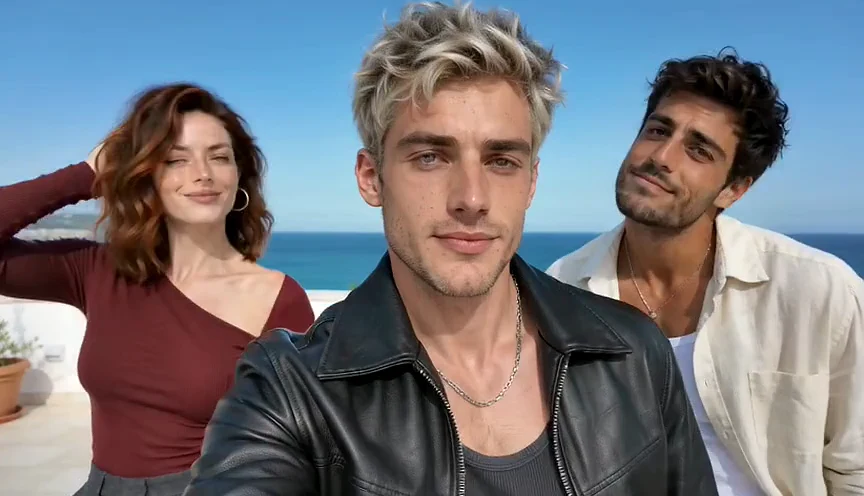
16:9Audio
3-PHOTO TRIO · ROTATING SELFIE
Gangnam Style AI
Cast yourself and two friends into the 15-second Gangnam Style rotating selfie relay with synced trend audio.
Try effect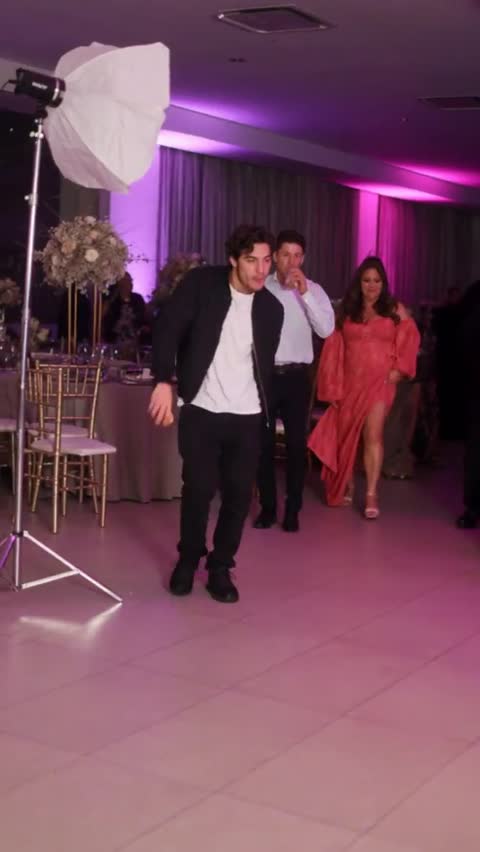
9:16Audio
PHOTO TO DANCE VIDEO
Dime Dime Baby
Your photo. Your main character moment.
Try effect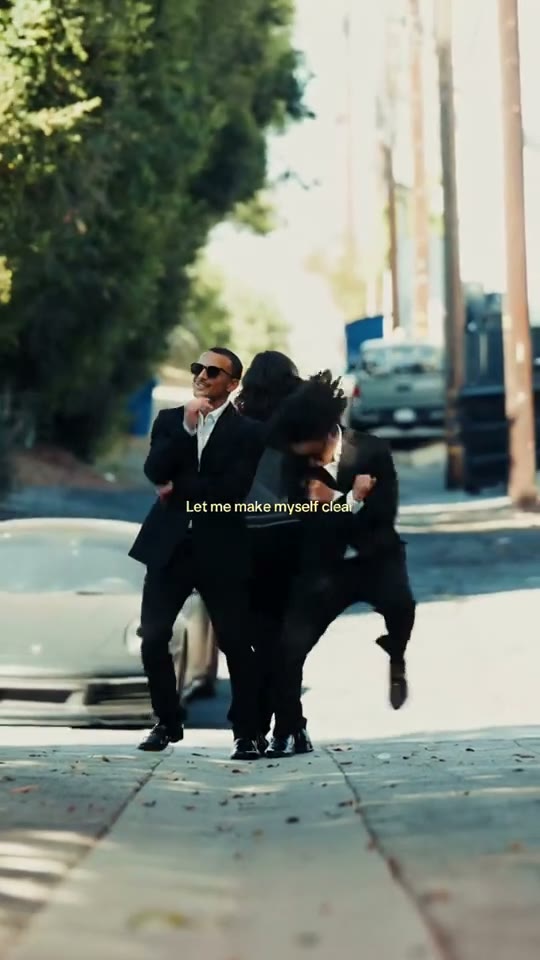
9:16Audio
PHOTO TO DANCE VIDEO
Babydoll Dance
One photo, one reference clip, one dance.
Try effect